A spend app is a digital tool that tracks purchases and expenses, replacing messy spreadsheets with a streamlined way to manage your finances and save money. Here's how to pick the right one and actually stick with it.
Quick Overview: Why Use a Spend App in 2026?
A spend app is a modern expense tracker and budgeting app that helps you track your expenses, understand your cash flow, and build better money habits-all from your phone. Instead of logging purchases in a notebook or spreadsheet, you record transactions in seconds and get instant charts, alerts, and insights. Key features of spend apps include expense tracking and real-time alerts that keep you aware of every dollar leaving your wallet.
In 2026, most people juggle card payments, a mobile wallet, and dozens of online subscriptions. Americans now make an average of 48 consumer payments per month, and digital payment share has climbed to roughly 64% of all transactions. That fragmentation makes a single app that unifies all spending essential. Budgeting helps you control your money flow, and a spend app does exactly that-whether you connect bank accounts or prefer manual tracking.
The immediate benefits are concrete: gain visibility into your cash flow, avoid overdrafts, and set smart budgets that help you save money toward real goals-like a $1,000 emergency fund, a 2027 holiday trip, or paying off a $2,500 credit card balance.
Core Features of a Modern Spend App
A high-quality spend app in 2026 delivers fast logging, clear visuals, automation, and privacy-first design. Here's what to expect under the hood.
Expense tracking lets you track your expenses in seconds. Enter the amount, pick a category (groceries, rent, transport), select a payment method, and add an optional note. Spend apps can automatically categorize transactions into spending groups, so expense tracker apps categorize money spent for better management without extra effort. Automated rules organize spending with notes and tags, meaning a purchase at "CITY METRO" always files under Transport.
Smart budgets let users set category spending limits with real-time tracking. Set $400 for groceries, $150 for dining out, and watch a live "left to spend" indicator update as you log transactions. Smart budgets track spending limits in real-time, and many spend apps provide customizable budgets tailored to user lifestyles. Tools like PocketGuard offer 70+ customizable categories to help build a budget, and PocketGuard connects to 18,000+ financial institutions for automatic syncing across multiple accounts if you choose to sync your financial accounts.
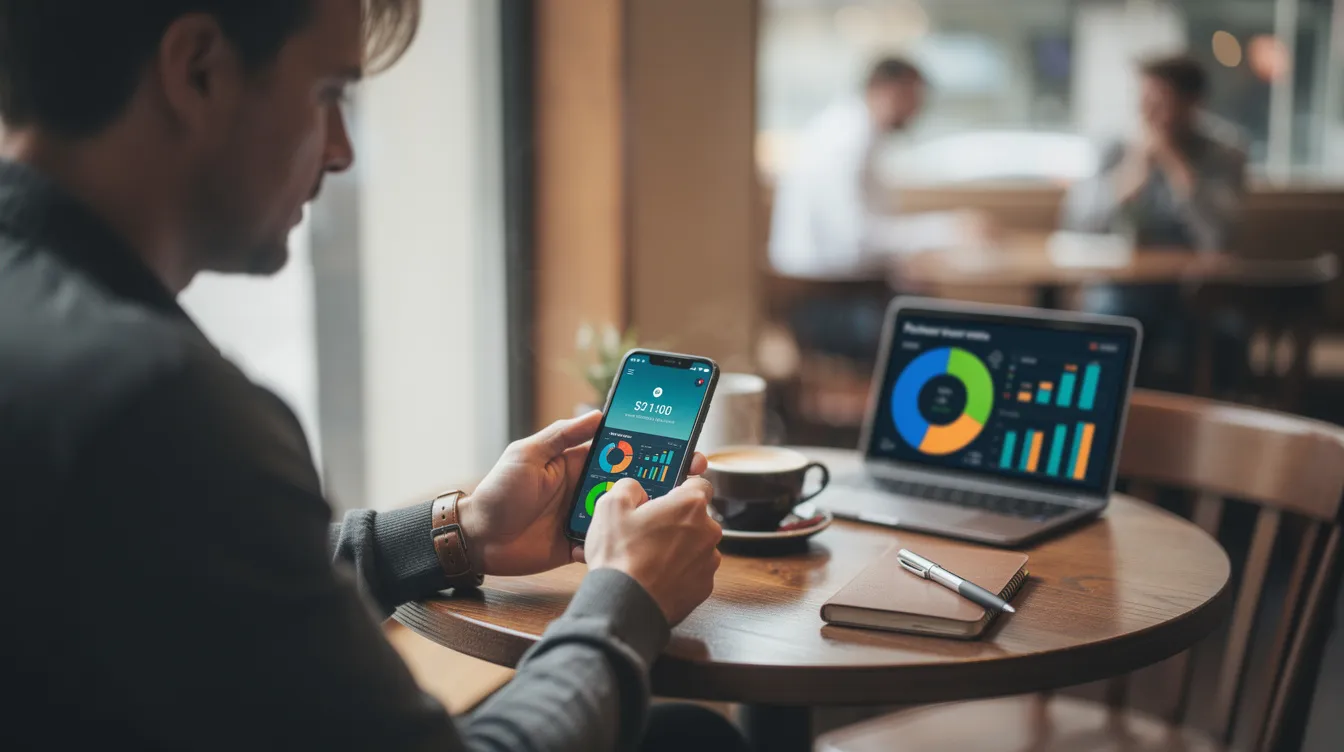
Visual insights present spending data through bar charts, donut charts, and trend lines comparing this month to the last-helping you spot a $300 spike in food delivery before it becomes a pattern.
Recurring transactions can be automated with reminders. Store regular bills-rent on the 1st, Spotify on the 5th, gym on the 20th-so these hit the budget automatically. Many apps offer automatic logging of recurring transactions, ensuring nothing slips through.
Exporting rounds it out: export your data to CSV, an excel file, or PDF to share with an accountant, partner, or to back up your personal finance history. Apps support full export even on free tiers, covering any currency you need.
How a Spend App Helps You Save Money & Improve Cash Flow
The core value of a spend app is turning raw transactions into insights that help you save money month after month. Real-time expense tracking can improve financial awareness and control, shifting you from reactive to proactive with your income.
Clearer cash flow tracking means daily and monthly summaries of money in versus money out. Apps like Safify display predictive statements such as "You're on track to save $220 this month if you continue spending like the last 7 days," so you can adjust mid-cycle rather than discover problems after they've drained your savings accounts.
Spotting hidden waste is where the app helps most. Spend apps can highlight unused subscriptions that drain finances-like three overlapping video services totaling $48/month. Nearly a quarter of Americans spend over $100 monthly on subscriptions, so even small cuts here compound fast. Budgeting tools can help track spending and set goals around eliminating this kind of waste.
Spending alerts notify you when you hit 80% of a category budget. Spend apps can send notifications for upcoming bills to avoid late fees, giving you control before an overdraft hits.
Example scenario: Someone earning $3,500 net monthly reduces takeaway spending from $320 to $160 over three months, redirecting the saved $160 into a savings goal. Most spend apps allow users to set savings goals for various targets-like building a $1,000 emergency fund by December 2026, paying off debts, or growing net worth. A spend app allows users to track financial progress toward specific goals, so every small optimization-shaving $20 from a phone bill, cancelling a forgotten subscription-accumulates into hundreds saved per year.
Building Better Money Habits With Smart Budgets
A spend app is not just an expense tracker-it's a tool for establishing better money habits over time, not just one-time cuts. A good budget brings peace and security, and the right app makes that budget feel manageable rather than restrictive.
Goal-aligned budgets work better than vague limits. Create categories like "$250/month for weekend activities" or "$100/month coffee budget" that reflect what actually matters to you. With 70+ customizable categories available in apps like PocketGuard-where 1,250,416 people improved their finances as of May 2026-you can analyze spending patterns at any level of detail.
Habit-building features reinforce consistency:
- Weekly summaries every Sunday evening show your spending habits at a glance
- Nudges when spending spikes in a category compared to the prior month
- Clear visualizations help users identify spending trends and adjust budgets
Repeating this review at the same time each week-say, Sunday at 7 p.m. from your home screen-turns the app into a simple routine rather than another chore.
Start simple. Track no more than 8–10 categories at first to avoid overwhelm. Once you feel in control, add subcategories like "work lunches" versus "weekend dining." As income changes or goals shift-like starting student loan payments in 2027-you can reallocate categories without rebuilding from scratch. That adaptability is what separates a spend app from a static budget spreadsheet.
Advanced Tools: Scan Receipts, Automation & Visual Insights
These powerful tools are optional but worth exploring if you want deeper tracking with less manual work.
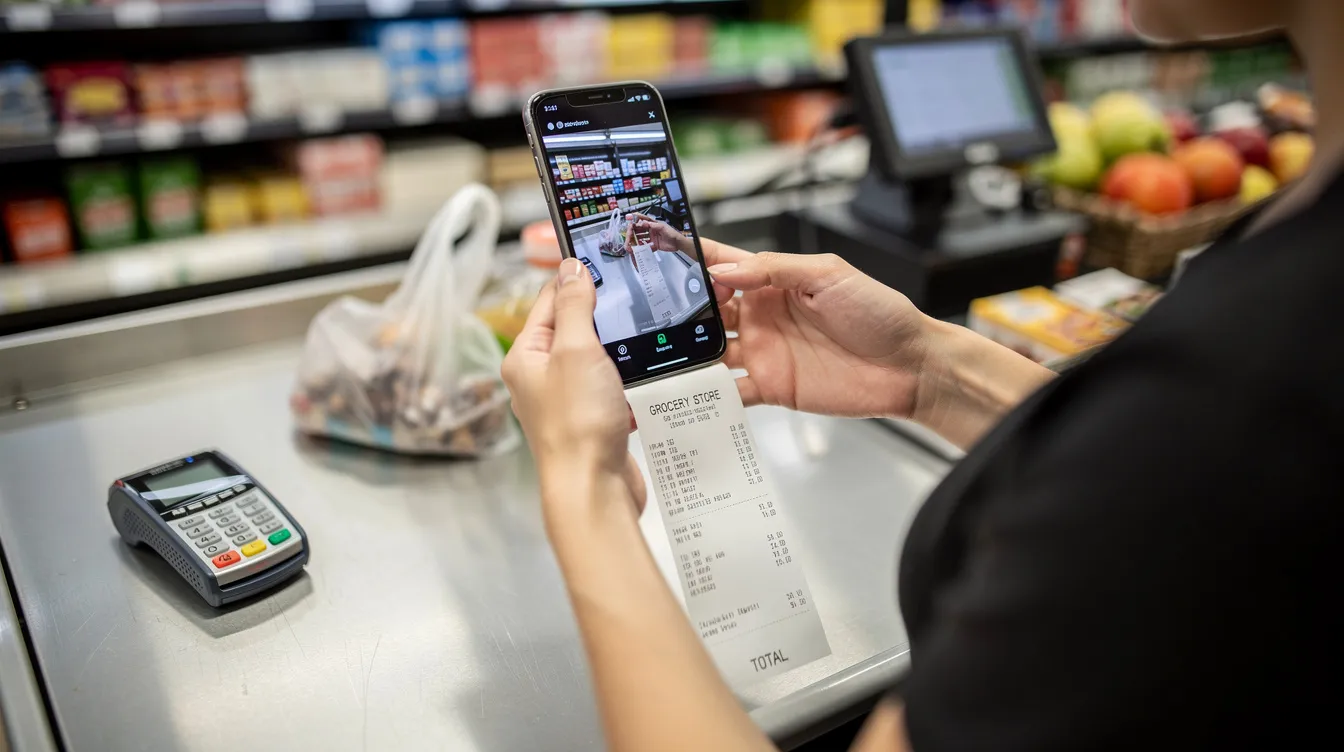
Receipt scanning eliminates tedious data entry. AI scans receipts and auto-extracts details-merchant name, date, total, and tax-from a photo. AI receipt scanning automates expense tracking in apps like Spend Smart, and AI receipt scanners auto-extract details from photos of receipts with accuracy rates above 99% under good lighting, according to ExpenseOCR. Just snap, confirm, and move on.
Automated categorization means the app learns your spending patterns. If "WHOLE FOODS" always maps to Groceries, the rule fires automatically. The app can also collect and organize data from forwarded SMS or email alerts, creating records without manual input.
Recurring transactions go deeper here: daily, weekly, monthly, or yearly schedules for rent, insurance, and subscriptions ensure cash flow forecasts stay accurate across an entire quarter. Users can track family expenses with shared budgets in Spend Smart, making the app useful for families managing a household together.
Visual dashboards help users understand their spending habits at a glance. Think donut charts (35% housing, 20% food, 15% transport), heat maps showing Fridays as your most expensive day, and monthly trend comparisons. Financial data in spend apps is presented through reports and analytics, turning raw numbers into informed decisions you can act on immediately.
Security, Privacy & Data Control in Spend Apps
Data privacy concerns are legitimate in 2026, and any spend app worth downloading must protect your financial data by design.
Standard security features include PIN codes, biometric login (Face ID or fingerprint), auto-lock when the app goes into the background, and encrypted storage. Security features include encryption and multi-factor authentication to protect data-look for AES-256 encryption at rest and TLS 1.3 in transit. Responsible apps also run without ads and never sell your spending data to third parties.
User control matters just as much. Transparent privacy policies should explain what data is stored and whether it's used for AI training. Many users prefer apps that work offline and do not require linking bank accounts-apps like Safify keep bank credentials completely separate from the budgeting tool.
Practical checks before you download:
- Look for app store and Google Play ratings of 4.5+ as of mid-2026
- Verify a recent update date and active developer support
- Confirm the app runs on your devices-whether iphone, android, or both platforms
- Back up your exported data files (quarterly CSV exports from 2024–2026) so you can switch tools without losing history
How to Choose the Right Spend App & Get Started Today
There are dozens of spend apps on ios and android in 2026. The key is matching features to your personal style rather than chasing every possible function.
Selection criteria that matter:
- Ease of use-logging an expense should be super easy, under 10 seconds
- Clear graphs showing categories, monthly trends, and progress toward goals
- Smart budgets with real-time tracking and alerts
- Recurring transaction support to manage budgets automatically
- Option to scan receipts and export data
- Privacy-first design-cancel anytime, no lock-in
PocketGuard helps track expenses by connecting to 18,000+ financial institutions, while offline-first apps like Centsei let you manage everything manually. Test the free version for one full budget cycle before you pay to upgrade to a premium version.
Your first 7 days: On day 1, add your income and main bills. Days 2–7, record every transaction-coffee, groceries, that impulse credit card purchase. At the end of the week, review the summary, analyze your spending, and adjust your budget for the rest of the month.
Don't wait for a new month or a new year. Start tracking your expenses this week. That single decision is the fastest path to calmer cash flow, real savings, and more confident financial decisions.